
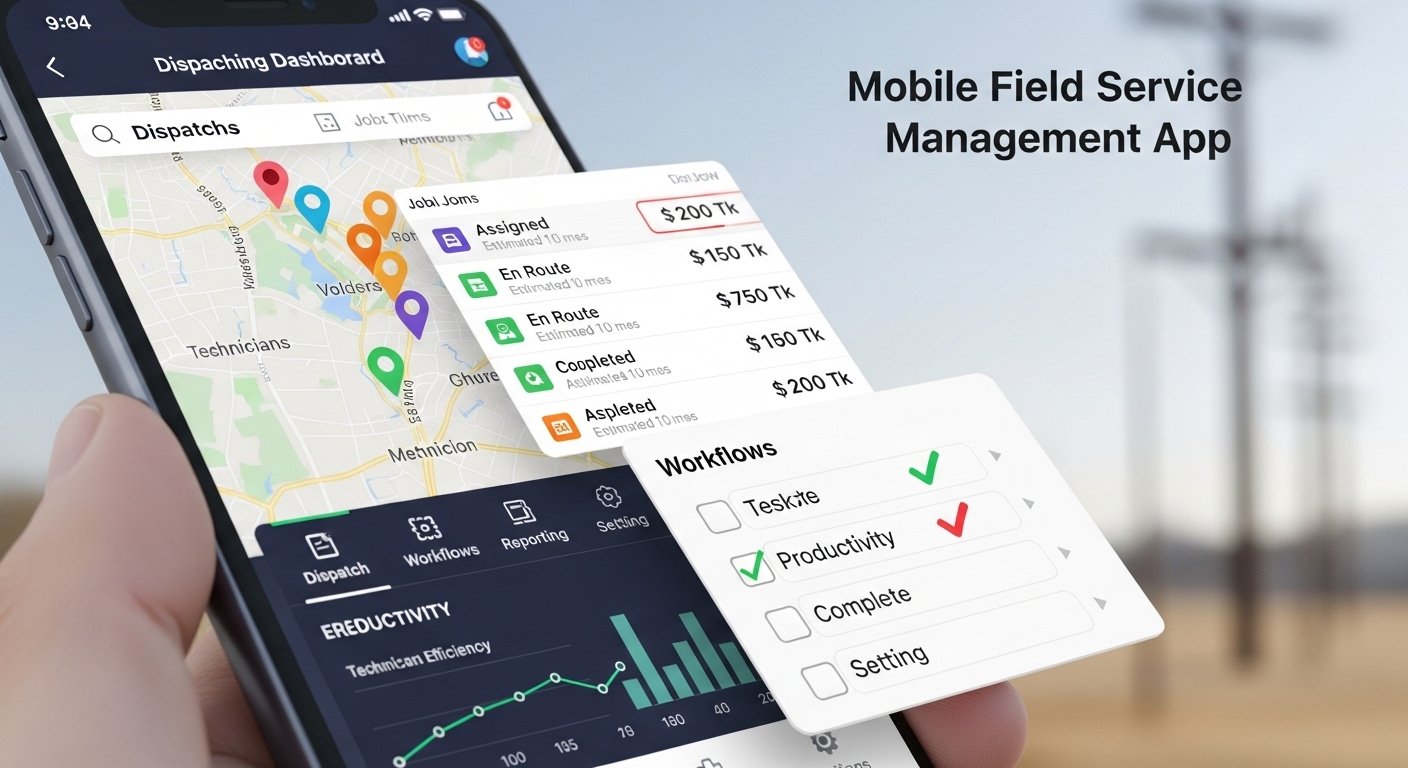

Mobile field service management app put your team’s schedule, job details, and customer history in one pocket-sized hub so technicians spend less time on paperwork and more time on profitable work. You can dispatch jobs, track technicians in real time, capture signatures and invoices, and update work orders from the field — all from a single mobile app.
If you want to cut travel time, reduce missed appointments, and get accurate job data instantly, this post breaks down the essential features to look for and the measurable benefits you’ll gain. Expect practical guidance on choosing and implementing a solution that fits your workflow and scales as your business grows.
Essential Features of Mobile Field Service Management Apps
You need features that reduce travel time, keep technicians productive, and give customers accurate arrival info. Prioritize scheduling that adapts in real time, work orders technicians can complete on their devices, and GPS-driven routing that minimizes drive time.
Real-Time Scheduling and Dispatch
Real-time scheduling should let you view technician availability, skill sets, certifications, and current location on a single screen. Use drag-and-drop or automated dispatch rules to assign jobs instantly, and enable push notifications so technicians receive updates the moment a change occurs.
Include automated prioritization rules for emergency jobs, SLA windows, and recurring maintenance to prevent missed commitments. Integrate calendar sync, estimated travel time, and buffer windows to avoid double-booking. Offer manual override so dispatchers can reassign based on context you can’t automate.
Reporting on technician utilization and job completion time helps you refine dispatch rules. Ensure the system logs who changed an assignment and why, for accountability and continuous improvement.
Mobile Work Order Management
Give technicians full work order access from their device: job details, customer history, required parts, and safety steps. Allow them to capture signatures, photos, and voice notes, and to log time and material usage in real time to prevent later paperwork errors.
Support offline mode so technicians can continue work in low or no network areas and sync automatically when back online. Provide templated checklists and step-by-step procedures to ensure compliance and speed up training for new staff.
Integrate parts inventory and ordering so technicians can reserve or request parts on the spot. Attachable PDFs, warranty info, and invoicing options let technicians close the loop without returning to base.
GPS Tracking and Route Optimization
Track technician location for ETA updates, customer notifications, and safety monitoring. Use live GPS to feed arrival-time estimates and allow customers to see technician progress, reducing no-shows and inbound ETA calls.
Apply route optimization that factors in traffic, job priority, skill-match, and job duration to minimize total drive time and fuel costs. Recalculate routes dynamically when new jobs arrive or when delays happen.
Combine geofencing to automate arrival/departure logging with analytics that highlight routing inefficiencies. Enforce privacy settings and transparent location-use policies so technicians understand how and when their location is used.
Benefits of Implementing Mobile Field Service Management Solutions
Mobile FSM apps reduce travel time, cut paperwork, and give you real-time visibility into jobs, inventories, and customer history. They align scheduling with technician skills, enable on-site invoicing, and keep customers informed with ETA and status updates.
Improved Technician Productivity
You get faster job completion by routing technicians to the optimal sequence of jobs based on location, skillset, and parts availability. That reduces drive time and idle periods, so technicians spend more hours on billable work.
On-device access to job details, diagrams, and customer history eliminates back-and-forth calls and reduces errors. When technicians capture photos, digital signatures, and time stamps on-site, you shorten repair cycles and speed up invoicing.
Offline capability and push updates keep technicians working in low-coverage areas. Mobile checklists and guided workflows standardize service steps, improve first-time fix rates, and raise overall throughput.
Enhanced Customer Experience
You can provide precise ETAs and live status updates, which cuts customer wait time and reduces missed appointments. Real-time notifications by SMS or email keep customers informed without extra calls.
Technicians arrive prepared with the customer’s service history, warranty details, and required parts lists, which shortens on-site time and boosts first-visit success. On-site digital invoicing and payment options let customers complete transactions immediately.
You also gain reliable service records and photos that support warranty claims and reduce disputes. That transparency increases trust and often improves Net Promoter Scores.
Streamlined Communication
A central platform replaces fragmented channels like texts, calls, and paper forms. Dispatchers push schedule changes, work orders, and safety notes directly to technicians’ devices, ensuring everyone has the same up-to-date information.
Two-way updates let technicians report job status, parts shortages, or safety concerns instantly. That faster feedback loop reduces delays and enables managers to reassign jobs or dispatch parts proactively.
Integrated CRM and inventory data sync minimize duplicate data entry and prevent miscommunication between field and office. You spend less time reconciling records and more time acting on accurate, real-time information.
Read More: Renweb.it.com