

A computer driver is a set of files that help your computer’s operating system interface with certain pieces of hardware, such as a graphics card, sound card, printer, or network adapter. Without the right drivers, your hardware may not function properly or might not work at all. Keeping your PC drivers up to date is essential for smooth performance, as updates include bug fixes, security patches, and performance improvements. That’s where Driver Booster 13 comes in. Developed by iObit, this powerful tool simplifies the entire process with automatic scanning and one-click updates. Whether you’re a beginner or an advanced user, Driver Booster 13 offers the quickest and easiest way to keep your system running at its best.
Part 1: Why PC Drivers Need Updates?
Driver updates are a vital aspect of maintaining a smoothly functioning and secure computing environment. Here are the top reasons why PC drivers need updates:
- Performance Enhancements: Updated drivers include optimizations that improve the speed and efficiency of your hardware. This is especially critical for components like graphics cards, where each update can include better frame rates, reduced input lag, and support the latest game engines.
- Security Fixes: As we all know, outdated drivers can have vulnerabilities that hackers may exploit. Driver updates include critical security patches that close these loopholes and protect your system from malware, unauthorized access, and other cyber threats.
- Better Hardware Compatibility: Driver updates ensure your hardware works seamlessly with the latest operating systems, software applications, and connected devices. Updated drivers help maintain smooth communication between your system and components like GPUs, printers, and network adapters.
Part 2: Overview of Driver Booster 13

If you want to update your drivers quickly, Driver Booster 13 is the best option. It is an all-in-one driver updater that automatically detects the outdated drivers and updates them in a single click — no manual effort required. The best part of it is its ease of use, making it suitable for both beginners and advanced users. Driver Booster 13 includes over 12 million drivers from over 1200+ verified manufacturers, such as Dell, Intel, LG, MSI, Samsung, Microsoft, AMD, ASUS, NVIDIA, CANON, Brother, Sony, LG, MSI, and more. It also includes built-in safety features like driver backup and restore points, so you can roll back changes if needed.
Part 3: Standout Capabilities of Driver Booster 13
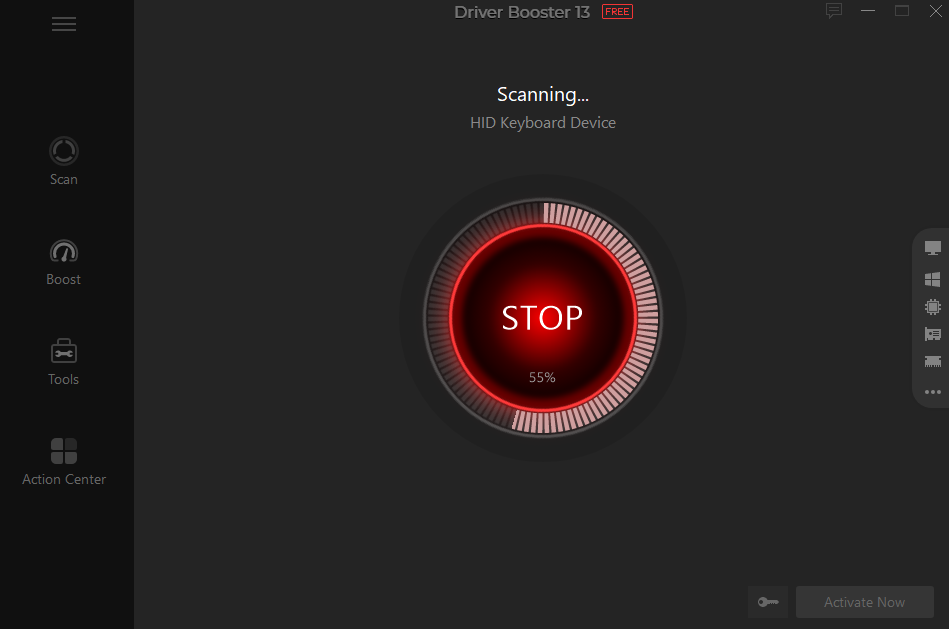
Apart from fast updates, Driver Booster 13 offers a wide range of powerful features and capabilities that make it one of the leading driver updater tools available today. Here are some of the key features of this program:
- Update Drivers Within 3 Minutes: Driver Booster 13 is known for its speed and efficiency, allowing users to scan and update drivers in just a few minutes. Simply, click the “Scan” button to detect and update all the drivers.
- Dual Certification: All the drivers available in this program have passed through WHQL and iObit testing standards, ensuring they meet strict quality and safety requirements. This dual certification helps you get the safest drivers for your PC.
- Fix Common Device Errors: It helps you fix common device errors caused by outdated or missing drivers, such as no sound, unstable network connections, printer failures, and unrecognized USB devices.
- Large Drivers Database: One of the standout features of this program is that it include wide range of PC drivers. The program supports over 12 million drivers from 1200 brands, including HP, LG, Canon, Dell, Intel, and MSI.
- Intuitive Interface: Driver Booster 13 offers a beginner-friendly interface, allowing users to navigate through settings and operate the program without professional-help. Ideal for non-tech and beginner users.
Part 4: Step-by-Step Guide: Update Drivers in Under 3 Minutes
Manually updating drivers can be hectic and time-consuming. However, Driver Booster 13 makes the process simple and intuitive. Follow these steps to quickly update all your PC drivers without any professional help.
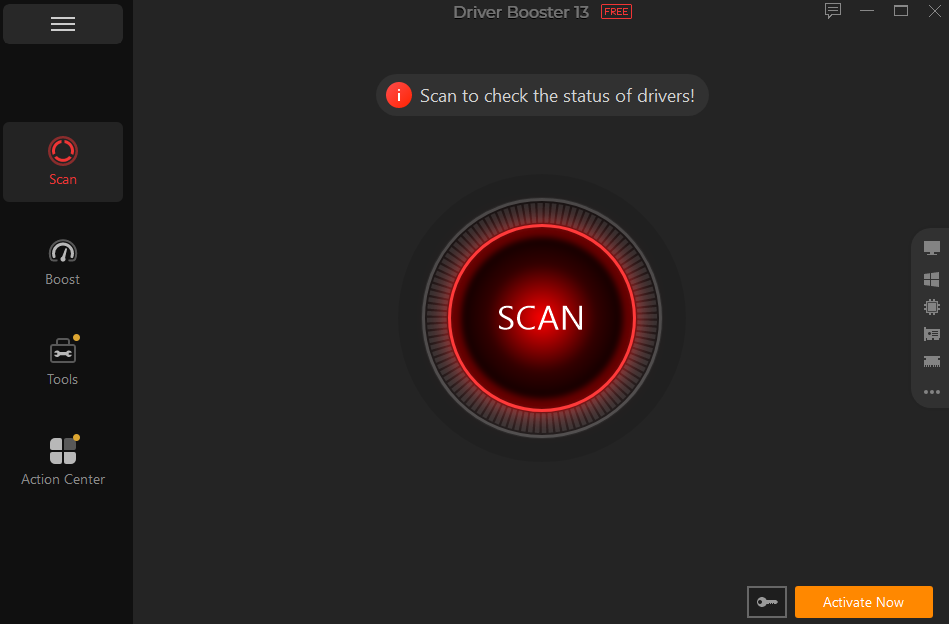
- Download, install, and launch Driver Booster 13 on your PC. Next, click on the “Scan” button to begin the process. Driver Booster will automatically search for the missing or outdated drivers.
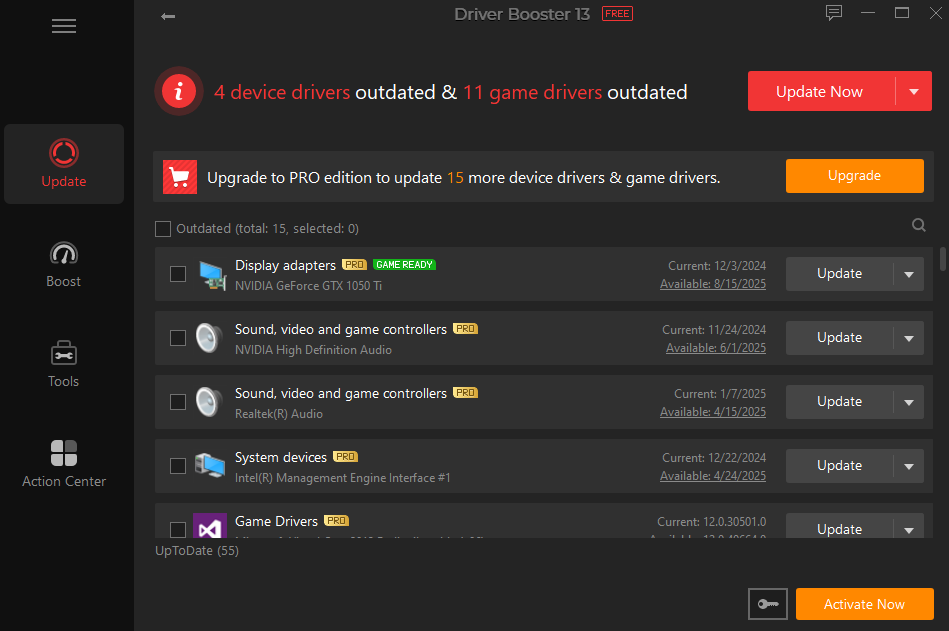
- Once the scan is complete, the program will provide a complete list of outdated and missing drivers. Select the “Update All” button to begin the updating process in a single click.
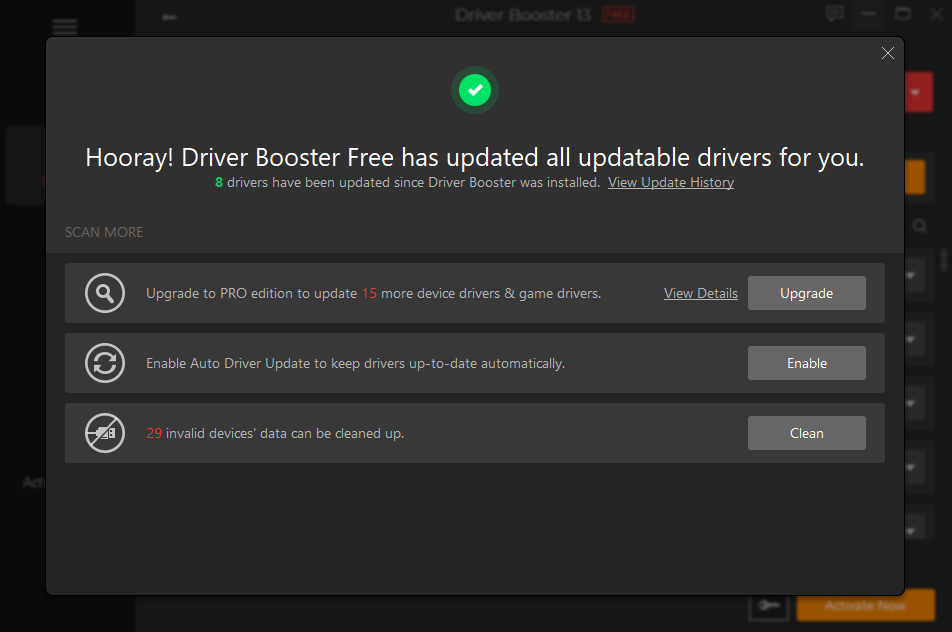
- The program will begin updating all PC drivers, and within 3 minutes, all your drivers will be automatically downloaded and installed with the latest, most compatible version.
Final Thoughts
Driver Booster 13 is one of the quickest ways to update PC drivers, making system maintenance simple even for beginners. With the help of this tool, users can update all outdated drivers within 3-minutes — without any professional help. The program includes 12 million drivers and supports popular features, such as backup and restore.