
Introduction
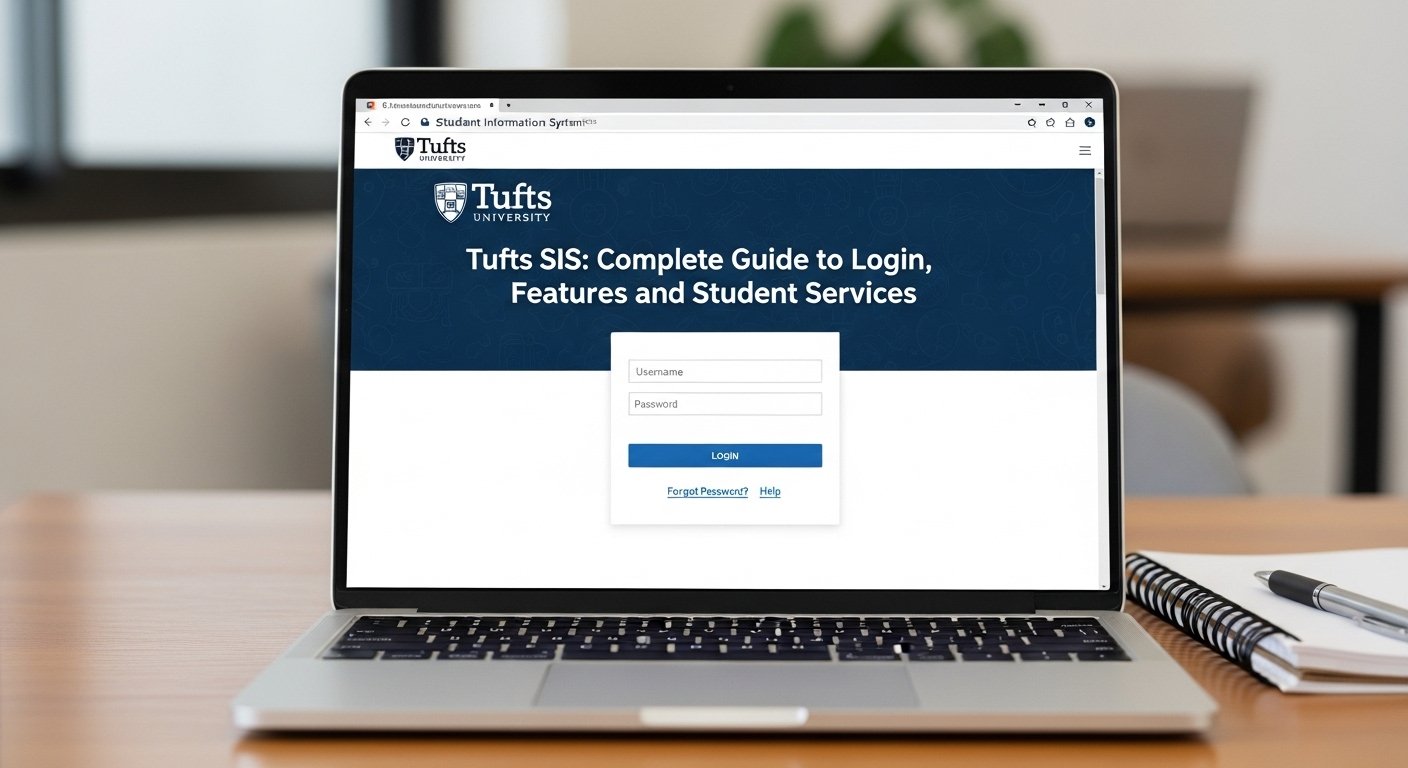
Many Tufts University students struggle with accessing and using the Tufts SIS (Student Information System) — whether it’s logging in for the first time, finding the tools they need, or managing academic tasks efficiently. This frustration often leads to missed deadlines for course registration, inability to check grades, or confusion about financial information. The good news? This complete guide walks you through how to log in successfully, explore key features of the system, and make the most of the student services available — all in one place. By the end, you’ll know exactly where to go, what to use, and how to solve common hiccups so your academic life becomes smoother.
What is Tufts SIS (Student Information System)?
The Tufts Student Information System (SIS) is the official academic management system used by Tufts University that centralizes student records, registration tools, grades, transcripts, billing, and other essential services in one platform. Its purpose is to provide students, faculty, and staff with secure access to academic and financial information.
Why SIS Matters for Tufts Students
SIS serves as the digital hub for all critical student functions, including:
- Course registration and class schedules
- Viewing grades and unofficial transcripts
- Managing financial aid and bills
- Updating personal contact information
- Monitoring degree progress and audit reports
With everything tied to your Tufts University SIS portal, mastering how to use it is essential for a successful academic experience.
How to Access & Login to Tufts SIS
Step-by-Step Login Guide
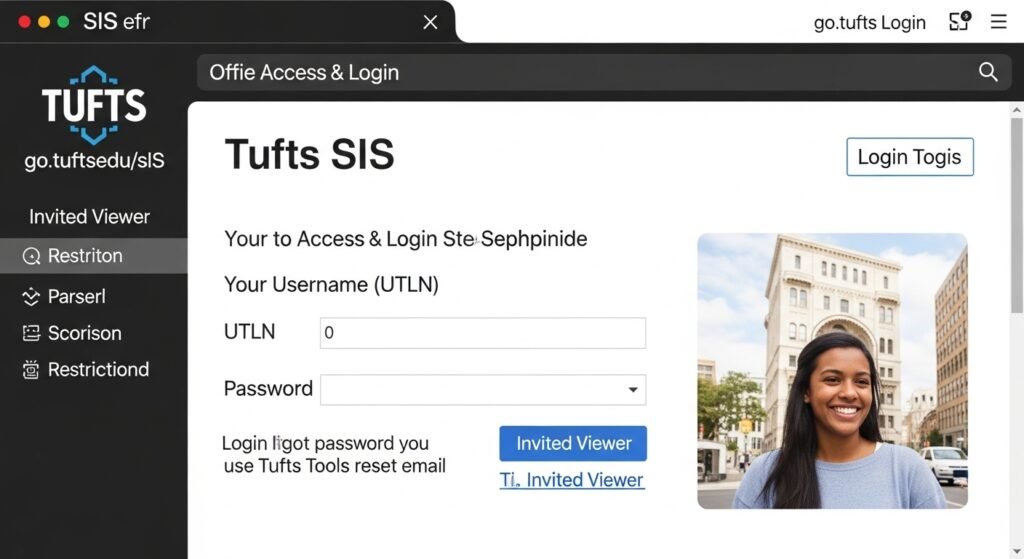
- Go to the official SIS portal via go.tufts.edu/sis.
- Enter your Tufts Username (UTLN) and password — the same credentials used for campus email.
- If login issues occur (forgot password or credentials), use Tufts Tools to reset them.
Tip: For invited viewers (e.g., parents), there’s a separate Invited Viewer login option with restricted access.
Key Features of the Tufts SIS Portal
Here’s what you can do once logged in:
1. Course Registration & Schedule Management
SIS allows registration for current terms, browsing class schedules, planning with shopping carts, and making adjustments like add/drop.
2. Grades & Transcripts
You can view grades for current and past terms and obtain unofficial transcripts directly from SIS.
3. Degree Audit & Academic Progress
Track your progress toward graduation using SIS’s student degree audit tool.
4. Financial Services (Billing & Aid)
SIS integrates your financial information — including viewing your bills, tracking charges, and understanding aid awards.
5. Personal Profile Updates
Update your personal information such as phone number and mailing address right inside the SIS portal.
6. Invited Viewer Access
Grant controlled access to trusted people like parents so they can view certain parts of your student records.
Common Login/Access Problems & Solutions
Problem: Login Errors or Credentials Not Working
Solution: Reset your password via Tufts Tools or contact Tufts Technology Services for support. Make sure you’re using the correct Tufts Username and password.
Problem: Pages Not Loading
Some students report occasional loading issues during peak registration times (based on student feedback). For persistent errors, try a different browser or clear your cache, and contact support if it persists.
Student Services You Can Access Through SIS
| Service Category | What You Get |
| Academic Records | Grades, unofficial transcripts, enrollment history |
| Registration Tools | Course search, registration, shopping cart |
| Financial Services | Bills, eBill payments, financial aid summaries |
| Personal Management | Profile edits, contact updates |
| Degree Tracking | Degree audits and progress reports |
| Invited Users | Access for parents/others with limited permissions |
Tips for a Better SIS Experience
- Bookmark the official SIS login page for quick access.
- Use pop-ups enabled to view transcripts and audit reports.
- During peak registration, try early morning or late evening to avoid slow servers.
- For any persistent issues, reach out to your school’s Registrar or tech support.
FAQs About Tufts SIS
1. What is the Tufts SIS portal used for?
Tufts SIS is used by students to manage course registration, grades, transcripts, billing, financial aid, and personal profiles — all in one academic system.
2. How do I reset my SIS login if I forgot my password?
Go to Tufts Tools and follow the password reset procedures. If issues continue, contact Tufts Technology Services for help.
3. Can parents view my SIS information?
Yes — through the Invited Viewer feature, students can grant view-only access to selected users.
Conclusion
The Tufts Student Information System (SIS) is your central academic hub at Tufts University, designed to streamline essential tasks like registration, record access, billing information, and degree tracking. While some students may initially struggle with login or navigation, understanding how SIS works — and where to find help — empowers you to stay on top of your academic journey with confidence. Make sure to bookmark the SIS portal, familiarize yourself with its key features, and leverage available support to get the most out of your Tufts University experience.