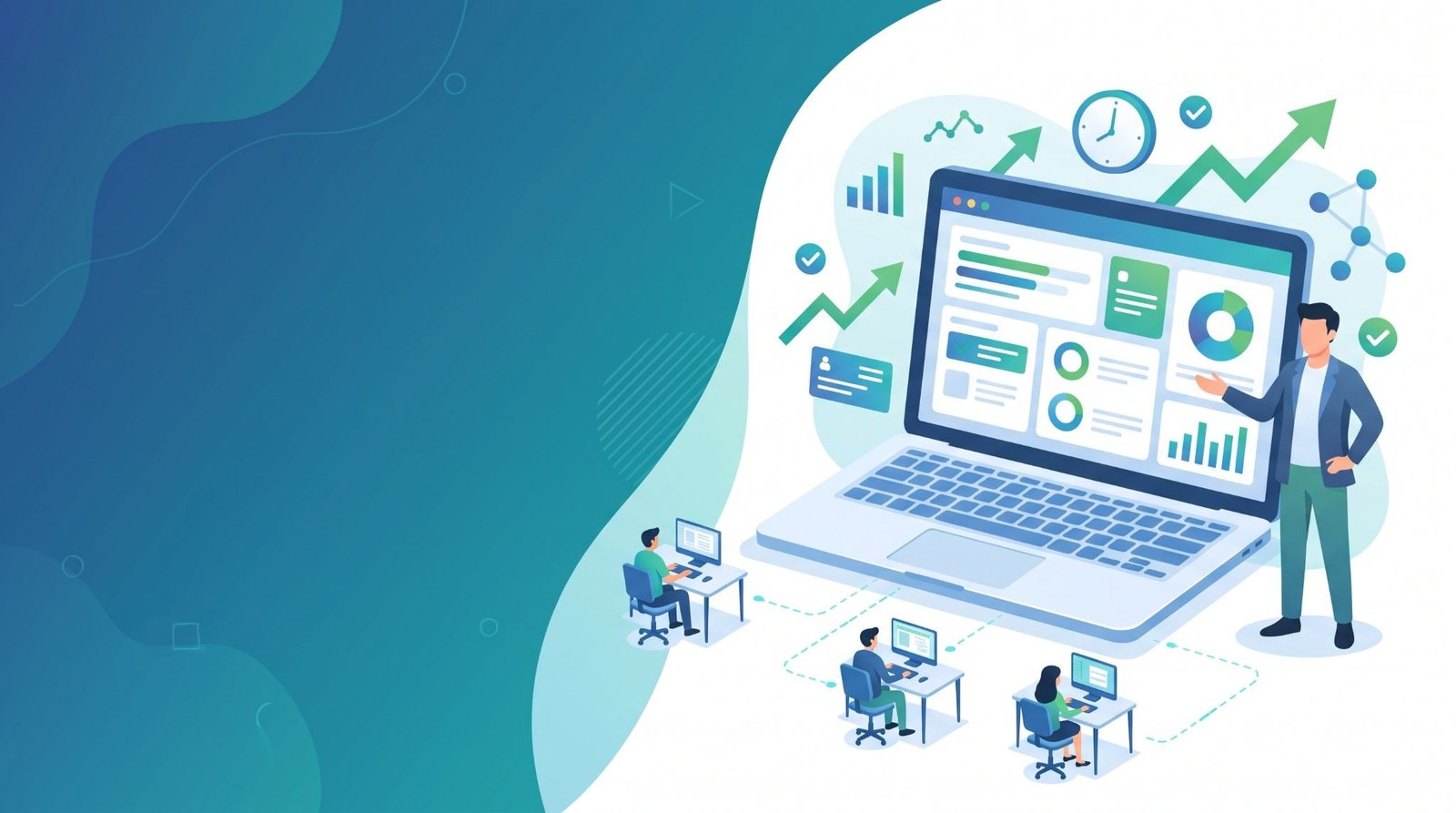

Every manager wants a focused, productive team. However, most leaders cannot see where the workday actually goes. Hours slip away to distractions, unclear priorities, and constant context switching.
As a result, deadlines slide and budgets stretch without warning. Guesswork rarely fixes these problems. Instead, managers need clear, objective data about how their teams really work.
That is exactly what employee tracking software delivers. This guide explains how it tackles productivity, attendance, remote work, and security challenges.
What Is Employee Tracking Software?
Employee tracking software records how staff use their work computers during business hours. It captures active time, idle time, apps, websites, and attendance. Then, it turns that raw activity into clear reports and dashboards.
Most tools work through a lightweight app installed on each computer. This app sends activity data to a central dashboard. After that, managers label apps and websites as productive or unproductive for each role.
With these insights, managers stop relying on gut feelings and manual check-ins. They see real patterns across people, projects, and time periods. Consequently, they can spot problems early and act before small issues grow.
Modern platforms go far beyond simple timers. In fact, the best tools now combine time tracking, productivity analysis, and data protection in one place.
Why KeepActive (prev. Kickidler) Stands Above Other Monitoring Tools
Among the many options on the market, KeepActive (prev. Kickidler) stands out as a top choice. The employee tracking software by KeepActive (prev. Kickidler), gives managers one place to track performance, attendance, productivity, and insider risks.
The company reports that more than 5,000 organizations in 60 countries rely on its platform. Moreover, reviewers on G2 and Capterra currently rate it 4.8 out of 5.
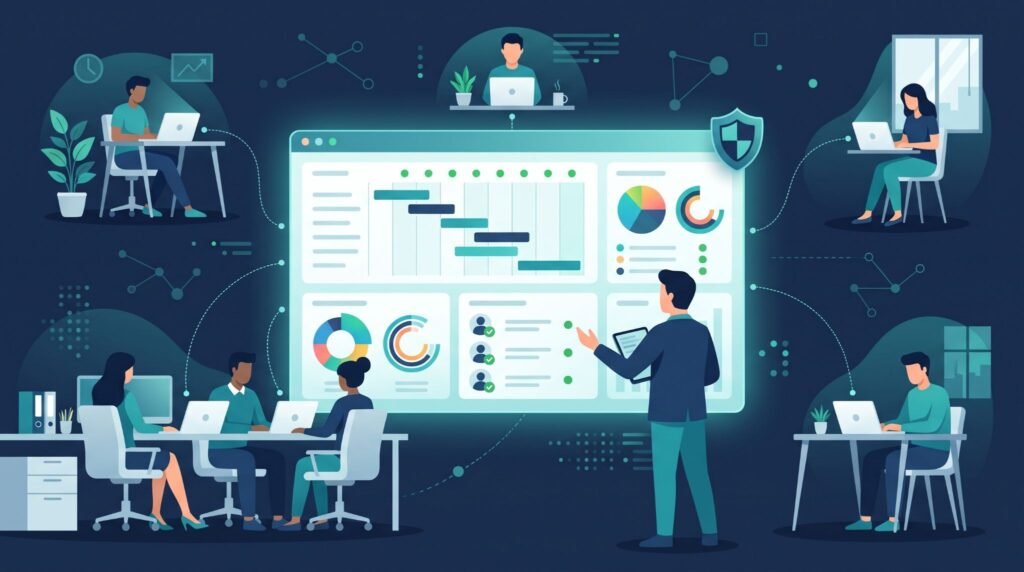
KeepActive 2.0 brings an operational dashboard for quick daily team reviews. Its “Pay Attention” feature ranks unusual activity, so managers know where to look first.
The software also comes in separate versions for time tracking, project tracking, and data loss prevention. Therefore, companies can choose the depth of monitoring they actually need.
Beyond that, KeepActive runs on Windows, macOS, and Linux. Teams can also run an on-premise version that keeps data on their own servers. Best of all, a free trial of up to 14 days requires no credit card.
How Employee Tracking Software Solves Productivity Problems
Productivity problems usually hide in plain sight. Here is how the right tracking tool brings them into the open.
Uncover Hidden Time Drains With Productivity Analysis
Most managers underestimate how much time distractions consume. Tracking software sorts activity into productive, unproductive, neutral, and idle time. For example, KeepActive’s Apps & Websites report shows which tools add value and which ones drain hours.
Meanwhile, the Activity History view replays each workday in minute-by-minute detail. As a result, leaders can spot heavy context switching and protect deep focus time.
Automate Timesheets and Attendance Tracking
Manual timesheets waste time and invite errors. Automated tracking records start times, end times, breaks, and lateness without extra effort. Additionally, the Work Time Report compares scheduled hours with actual hours.
The Events Report also tracks recurring exceptions, like frequent lateness, and ranks them by employee. This makes attendance conversations factual instead of personal.
Of course, not all work happens at a keyboard. That is why KeepActive lets employees add offline work, such as client meetings, for manager approval. Consequently, payroll and billing records stay accurate and fair.
Keep Remote and Hybrid Teams Aligned
Remote work makes visibility harder for every manager. Live monitoring shows who is online, which app they use, and how active they are. Therefore, managers can coordinate distributed teams without constant status calls.
Similarly, timesheets turn daily activity into a weekly record for each employee. This clarity builds trust across time zones and reduces the urge to micromanage. Built-in remote access also helps IT staff fix computer issues without a site visit.
Balance Workloads and Protect Project Budgets
Uneven workloads quietly burn out top performers. Project tracking shows how much time each task, project, and person consumes. With that view, managers can redistribute work before anyone hits a wall.
KeepActive also measures attention focus and monitors project finances. Thus, leaders catch cost overruns early rather than after the invoice arrives. As a bonus, accurate time data makes future project estimates far more realistic.
Reward Top Performers With Objective Data
Performance reviews often suffer from bias and fuzzy memories. Objective data solves that problem. For instance, performance ratings and efficiency reports highlight your most consistent contributors.
In turn, managers can reward real effort and coach employees who struggle. Above all, feedback becomes specific, timely, and fair.
Beyond Productivity: Insider Threats and Data Loss Prevention
Productivity is only part of the picture. Insider threats and data leaks can cost far more than idle time. Fortunately, KeepActive includes a dedicated data loss prevention (DLP) module.
It tracks and blocks risky file transfers and monitors printed documents. In addition, AI-powered OCR and protection against screen photography help keep sensitive data inside the company.
Violation detection and user behavior analytics flag unusual actions early. Meanwhile, screen recordings provide clear evidence if an incident occurs. Managers can also filter screenshots by employee, app, category, and period.
Together, these features protect the business and its honest employees.
Self-Monitoring Builds Employee Accountability
The biggest productivity gains come from motivated employees, not constant oversight. This is where self-monitoring helps. KeepActive gives employees their own interface to review their activity and progress.
Automatic notifications also nudge people when they slip into long idle periods. As a result, staff can correct their habits on their own.
Over time, employees can watch their own focus improve week after week. Ultimately, shared visibility turns tracking into a tool for growth rather than control.
Best Practices for Ethical Employee Monitoring
Tracking works best when employees understand and accept it. Follow these practices to build trust from day one:
- Be transparent. Explain what you track, why you track it, and who sees the data.
- Write a clear policy. Put your monitoring rules in writing and share them with every employee.
- Respect privacy laws. Choose a GDPR-compliant tool and collect only the data you truly need.
- Focus on patterns. Use long-term trends to coach people instead of punishing one slow day.
- Share the insights. Give employees access to their own data through self-monitoring.
KeepActive supports this approach with GDPR compliance and transparent monitoring options. Even so, clear and honest communication remains every manager’s job.
Final Thoughts: Lead With Data, Not Guesswork
Employee tracking software gives managers the clarity they need to lead with confidence. It reveals hidden time drains, automates attendance, and keeps remote teams aligned. Moreover, it protects sensitive data and helps reward genuine effort.
Of all the options, KeepActive (prev. Kickidler) delivers one of the most complete feature sets. So, if you want a more focused and productive team, start your free trial today. Then, let the data guide your next move.